Smart TV IPTV Setup Guide 2026
Step-by-step instructions for setting up Samsung, LG, Sony, and other leading Smart TV brands. Quickly install IPTV apps with our comprehensive guide.
We provide complete walkthroughs to configure Aura4k IPTV on every device from smartphones to smart televisions.
Step-by-step instructions for setting up Samsung, LG, Sony, and other leading Smart TV brands. Quickly install IPTV apps with our comprehensive guide.
A complete guide to setting up Amazon Fire TV devices like Firestick, Fire Cube, and Fire TV. Install IPTV apps using our straightforward tutorial.
Follow our guide to set up Android TV boxes, Xiaomi Mi Box, NVIDIA Shield, and Chromecast with Google TV. Improve your streaming experience effortlessly.
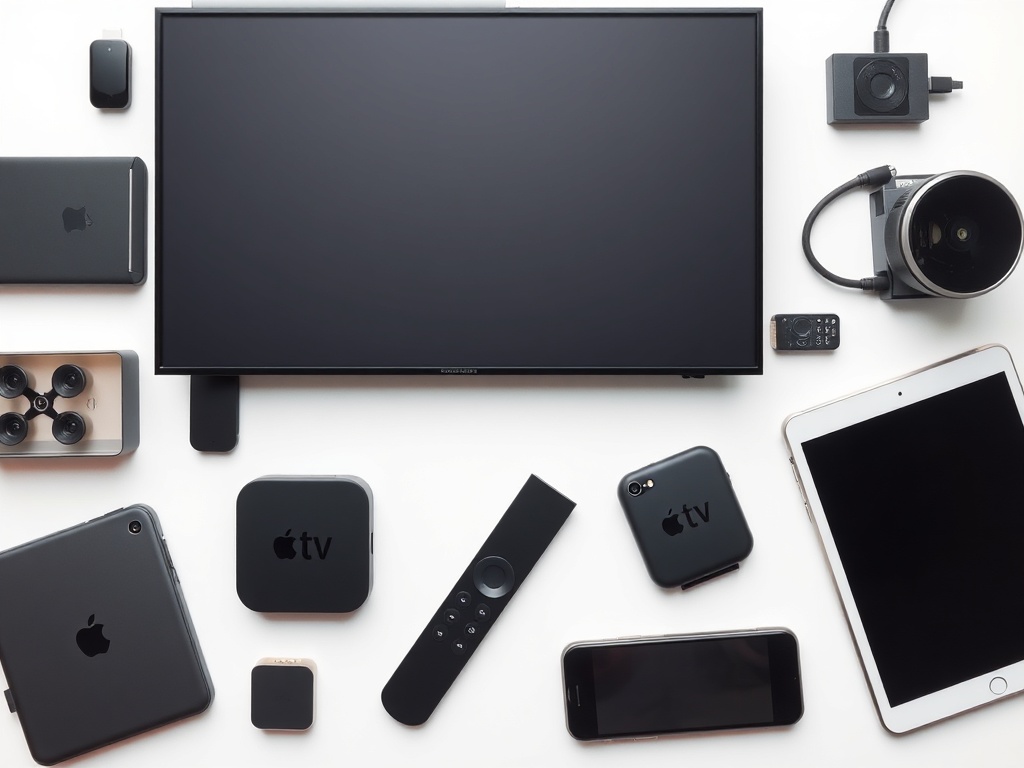
Full configuration for Apple TV, iPhone, and iPad. Compatible with iOS 17+ and tvOS 17+. Enjoy premium streaming on Apple gadgets.
Configure IPTV on Roku streaming devices and Roku TVs. Discover alternative methods and app suggestions for Roku enthusiasts.
Mobile IPTV setup for iOS devices. Stream on the move with apps and settings optimized for iPhone and iPad.
Complete Android mobile setup guide. Compatible with Samsung, OnePlus, Google Pixel, and all Android devices.
Configure IPTV on Windows 10/11 PCs and laptops. Find top software and optimization advice for viewing on desktops.
Full setup tailored for macOS and Mac computers. Apps and settings optimized for the ultimate streaming experience on Mac.
Install and configure IPTV on Linux distributions like Ubuntu and Mint. Open source options and terminal instructions included.
Professional setup for MAG boxes including MAG 250, 254, 322, and 424. Portal configuration and advanced settings explained.
Set up IPTV on Enigma2 devices such as Dreambox, VU+, and Gigablue. Plugin installation and configuration steps included.
Configure Formuler boxes including Z8, Z Alpha, and CC models fully. MYTVOnline setup and optimization explained.
For HD streaming, ensure a minimum of 25 Mbps, while 4K requires at least 50 Mbps. Opt for Ethernet connections to achieve maximum stability.
Always have your Aura4k username, password, and server URL ready, as they are essential for every setup.
Most devices benefit from IPTV Smarters Pro, which provides excellent compatibility and a comprehensive feature set.
Modify video quality according to your internet speed. Activate EPG for program guides and organize your favorites.
Receive personalized help from our round-the-clock support team for configuring IPTV on any device.